⏱️ Reading time: 9 min
pw-loudness-eq now brings Windows’s built-in volume leveling to PipeWire. The project did not reimplement it from a spec: it pulled it directly out of the WMALFXGFXDSP.dll binary through reverse engineering, according to the repository. The result is a native PipeWire module that levels each application’s volume independently, so a quiet scene and a loud ad don’t end up at wildly different volumes.
📑 En este artículo
- What pw-loudness-eq’s volume leveling actually does
- Why anyone would want to level volume across apps
- The algorithm: a band-based automatic gain control
- The limiter that keeps the boost from clipping
- Which streams get skipped
- What we tested: installing the module in an isolated sandbox
- Alternatives: what exists today for this on the Linux desktop
- What this means for a developer packaging audio on Linux
- What’s missing before considering it for production
- References
What pw-loudness-eq’s volume leveling actually does
The project splits into three parts, according to its documentation. modules/loudness/ is the PipeWire module and DSP plugin that processes each application’s playback stream. modules/limiter/ reproduces the output limiter from Windows’s audio engine (AudioEng.dll) on every playback device, so the volume boost doesn’t clip. app/ is an optional GTK3 window to turn the effect on or off, globally or per application, and to adjust the release time.
Installing it requires PipeWire 1.4 or newer, and GTK 3 if you want to use the window, according to the same repository. You can build just one of the three parts with make -C modules/loudness, make -C modules/limiter or make -C app, and uninstall with sudo make uninstall while restarting the same PipeWire services.
Why anyone would want to level volume across apps
The use case is a familiar one from Windows: you set the volume once and never touch it again, even switching between a video with quiet scenes, a call, and a game full of explosions. PipeWire never offered that behavior natively. pw-loudness-eq adds it as a module, without depending on each application implementing its own normalization.
For anyone who strings together video calls, recordings, and notifications all day, the volume gap between those sources is constant. On Windows, volume leveling handles that without a second thought; pw-loudness-eq tries to bring that same experience to a Linux desktop, something no other tool in the ecosystem tackles the same way.
Not everyone agrees it should stay on for everything. In the Hacker News discussion, a user identified as InsidiousWombat argued that live normalization makes sense for podcasts, streams, or video calls, but not for content that’s already produced and mixed, where the original dynamics are part of the sound design. That’s probably why the project lets you disable it per application instead of forcing it globally: the stream.rules configuration lets you exclude specific apps, like Discord, from processing.

The algorithm: a band-based automatic gain control
Despite the name, the module doesn’t equalize the spectrum: it applies a broadband automatic gain control. It splits the audio into 512-sample frames at 44.1 or 48 kHz, with 50% overlap, applies a window function, and runs a real FFT to get the power spectrum, according to the repository.
That power gets grouped into 25 bands, from 100 Hz to 24 kHz, and from there a loudness value comes out using a custom formula. Target gain never exceeds 20 dB of boost. If the target is lower than the current gain, the change is instant; if it’s higher, it eases in gradually, with a time constant of about 4.6 seconds. The process adds one full frame of latency. In practice, this means a whispered passage rises in volume over seconds, while a loud peak isn’t clipped outright but instead gets handed off to the limiter.
The limiter that keeps the boost from clipping
flowchart TD
A["App stream"] --> B["Loudness AGC (before volume and mixing)"]
B --> C["App volume"]
C --> D["PipeWire mixing"]
D --> E["Device volume"]
E --> F["Limiter look-ahead"]
F --> G["Hardware volume"]
A boost of up to 20 dB can push a whistle or a pure tone above the digital maximum. That’s why the second module rebuilds the limiter that Windows runs in audiodg.exe on every output device, ported from CAudioLimiter in AudioEng.dll, according to the same repository. It delays the signal between 16 and 128 frames, depending on the sample rate, to look at the peak before it arrives; if that peak exceeds the tracked threshold, gain drops linearly across that window. Recovery is slower: it only kicks in once the signal falls to half the tracked peak, and it climbs at roughly 19 dB per second while that peak decays at the same rate.
The order difference between Windows and PipeWire (software volume runs before the limiter on Windows, after it on PipeWire) had to be compensated for in the port. The plugin measures peaks after each channel’s volume has already been applied, so the final result matches Windows’s.
Which streams get skipped
Not everything passes through the module. The repository lists three exceptions: JACK clients, streams with more than 8 channels, and Flatpak apps that talk to PipeWire directly instead of going through PulseAudio (apps that do use the PulseAudio bridge are processed). It’s a detail that doesn’t appear as a highlighted warning in the project’s description, but at the end of the technical section, and it’s worth checking before assuming the effect covers all of the system’s audio.
What we tested: installing the module in an isolated sandbox
We ran pw-loudness-eq in an isolated sandbox on November 25, 2026, on Linux 6.18, with git 2.39.5 available.
$ git -c protocol.allow=never -c protocol.https.allow=always -c core.hooksPath=/dev/null clone --depth 1 --single-branch --no-tags -- https://github.com/xoxorwr/pw-loudness-eq /tmp/lab-runs/lab-5ciz2bqe/w/repo
Cloning into '/tmp/lab-runs/lab-5ciz2bqe/w/repo'...
The clone took 1.415 seconds, weighed 0.3 MB, and used a peak of 56.2 MB of memory. Up to that point, everything went fine. The next step, automatic stack detection to decide how to install the project, failed with the reason no supported stack detected.
That makes sense: pw-loudness-eq isn’t a pip or npm package. It’s a C project with a Makefile that assumes PipeWire and GTK 3 development headers are already installed on the system, plus commands like systemctl --user restart targeting user services that don’t exist in a generic sandbox. The documented failure is itself a data point: right now there’s no way to install or package this project blind, without a real Linux desktop environment running PipeWire.
Alternatives: what exists today for this on the Linux desktop
No existing PipeWire tool tackles the exact problem pw-loudness-eq solves: leveling automatically, per application and in real time, without the user touching a control every time they switch sources. The closest alternatives solve parts of the problem, but not the full combination.
| Tool | What it does | Difference from pw-loudness-eq |
|---|---|---|
| EasyEffects | Applies effects to PipeWire streams through a graphical interface: parametric equalizer, compressor, limiter. | Doesn’t automate Windows-style volume leveling; each effect is configured by hand, per stream, without pw-loudness-eq’s automatic band-based gain control. |
| ffmpeg’s loudnorm filter | Normalizes the volume of an already-recorded audio or video file, following the EBU R128 standard. | Works offline on an existing file, not in real time on what you’re listening to live. |
| PulseAudio’s module-equalizer-sink | Adds manual parametric equalization on top of a PulseAudio sink. | Adjusts fixed frequencies that you choose; it doesn’t change gain automatically based on how loud or quiet each moment sounds. |
What this means for a developer packaging audio on Linux
If you maintain an audio package for an independent distro, check two things before adding pw-loudness-eq to your image. First, the PipeWire version: it needs 1.4 or newer, so it still won’t work for distros pinned to an older version by policy. Second, how your app talks to audio: if it’s a Flatpak that uses PipeWire directly instead of the PulseAudio bridge, the stream won’t get processed. It’s worth documenting that instead of promising a behavior the module won’t deliver.
Before adding it to an image or your own flatpak, test it first in a regular user session: toggle the effect on and off with pw-metadata -n loudness-eq 0 enabled false and confirm your critical apps, like video call clients, still sound the way you expect.
If your distro is NixOS or Guix, there’s an open issue requesting Nix support that’s still unresolved. For now, installing it means compiling by hand with make and make install, with no declarative package. It’s the same problem our sandbox ran into: there’s still no automatable install path outside a traditional Linux desktop with manual build tools.
What’s missing before considering it for production
The project is small: about 96 stars and 2 forks on GitHub as of November 25, 2026, with the latest commit from November 22, according to the repository. That doesn’t disqualify it, but it does mean it hasn’t yet gone through the kind of widespread use that tends to expose edge cases: other audio formats, cards with more than 8 channels, or uncommon PipeWire combinations.
There are no binary packages for major distros either: it installs by compiling from source, with PipeWire and GTK3 development headers set up by hand. Compiling from source also means any change to those headers can break the build until the maintainer updates it; without an official package, that tracking falls on each user. If you need something reproducible today in a packaged environment, like a container or an immutable image, it’s still not the simplest option, even though the code is already there for anyone who wants to build it or send in the missing support.
References
- xoxorwr/pw-loudness-eq on GitHub: source code, documented algorithm, and install instructions.
- Issue #1 on the repository: open request for Nix support.
- Hacker News thread on pw-loudness-eq: community discussion of use cases.
- InsidiousWombat’s comment on Hacker News: argument about live normalization versus produced content.
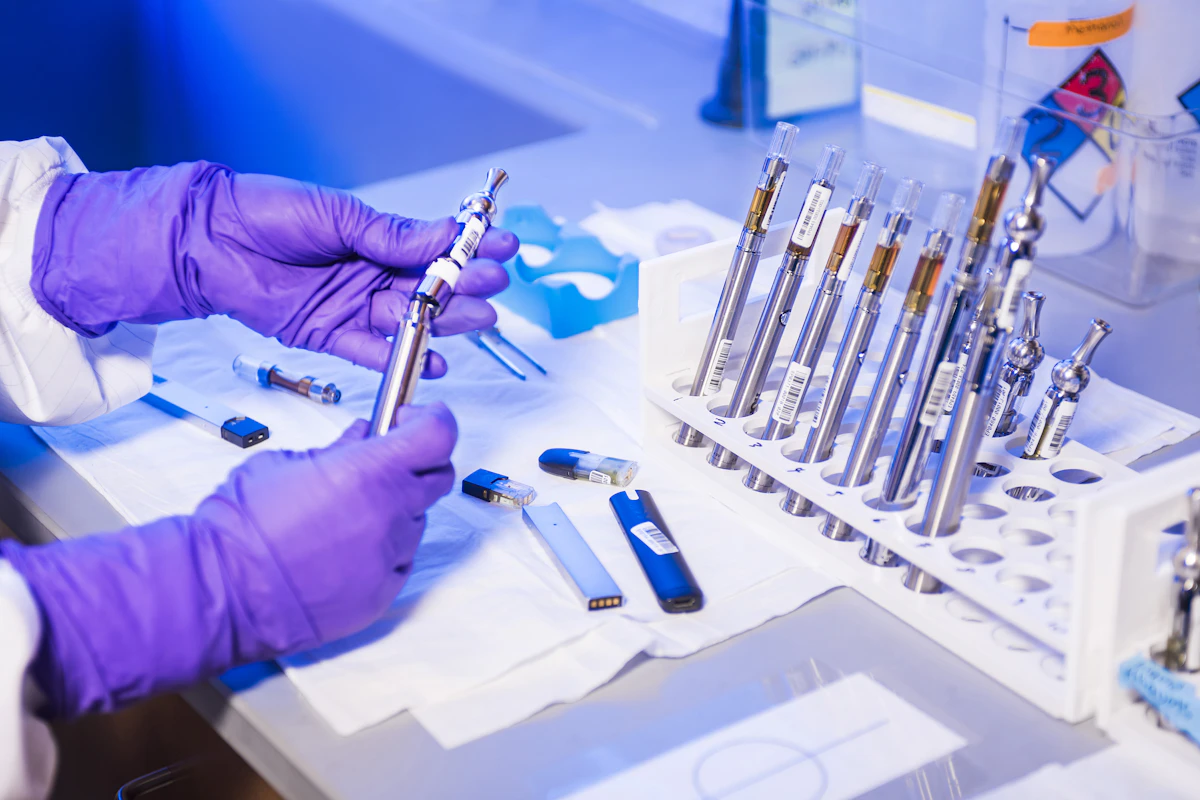
Featured image: Foto de Denisse Leon en Unsplash
How each article is made (sources, testing and editorial criteria): How we work.
Did it work for you? Got a different error? Say so below: questions get answered and help the next reader.
Leave a comment

0 Comments