⏱️ Reading time: 11 min
Terence Eden wanted to add an events calendar URL to the Google Calendar app on his Google Pixel running Android 17, and hit a wall: the app has no button to subscribe to an external calendar via link. He had to open calendar.google.com in desktop mode from his phone’s browser to get the calendar to appear, minutes later, inside the very app that refused to do it natively.
📑 En este artículo
The case, published on August 28, 2026 on his personal blog shkspr.mobi, exposes a pattern that repeats across dozens of corporate apps: basic functions that the browser handles without issue stay missing from the official app for years.
TL;DR
- Terence Eden documented, on August 28, 2026, that Google Calendar for Android has no button to add a calendar by URL.
- The only workaround he found was opening calendar.google.com in desktop mode from his phone’s browser.
- After adding it through the web, the calendar appeared automatically synced inside the native Android app.
- Eden compares the case to Symbian, BlackBerry, and Palm Pilot, platforms where he already dealt with how slow it was to update native apps.
- A reader replied on Mastodon: “Google software only ships in two states, deprecated or not ready yet.”
- The format behind these calendars is iCalendar (ICS), defined in the IETF’s RFC 5545 since 2009.
- The problem isn’t exclusive to Google: numerous apps redirect to the browser as soon as the user steps outside their main flow.
What Happened
Eden’s issue is simple: he had a public URL for an events calendar and wanted to follow it from his phone. In any desktop client (Outlook, Apple Calendar, Thunderbird), that’s solved with an option along the lines of add calendar from URL. In Google Calendar for Android, that option doesn’t exist in any menu of the app.
Before finding the workaround, Eden checked Google Calendar’s official help pages looking for a direct answer. The documentation explains how to add calendars within the product, but doesn’t clarify that this full feature is only available in the web version, leaving the Android app with a subset of the actual options.
Eden sums it up on his blog: “Can I click on a calendar link and add it to my phone? No.” He ended up opening calendar.google.com in desktop mode from his phone’s browser, added the calendar there, and the subscription synced on its own with the native app a few minutes later.
The full flow, summarized, looks like this:
flowchart TD
    A["User has an ICS URL"] --> B["Opens Google Calendar Android"]
    B --> C{"Button exists to add by URL"}
    C -->|"No"| D["Opens calendar.google.com in desktop mode"]
    D --> E["Adds the calendar from the web interface"]
    E --> F["The calendar appears synced in the native app"]
    C -->|"Yes, in other clients"| G["Thunderbird, Outlook, Apple Calendar"]
A reader, Paul Armstrong, summed up the problem in a Mastodon reply quoted in the same post: “Google software only ships in two states, deprecated or not ready yet.” The line captures a pattern well known to anyone who closely follows the lifecycle of Google products.
Context and History
Eden isn’t some casual developer weighing in from the sidelines: he built apps for Symbian, BlackBerry, and even Palm Pilot back when those platforms dominated the mobile market. His central argument comes from that experience: updating a native app was always slow. Every new feature, or even a new screen, has to be tested on dozens of different devices and then wait for the app store to approve and roll out the update, a cycle that typically takes days or weeks compared to an instant code change on the web.
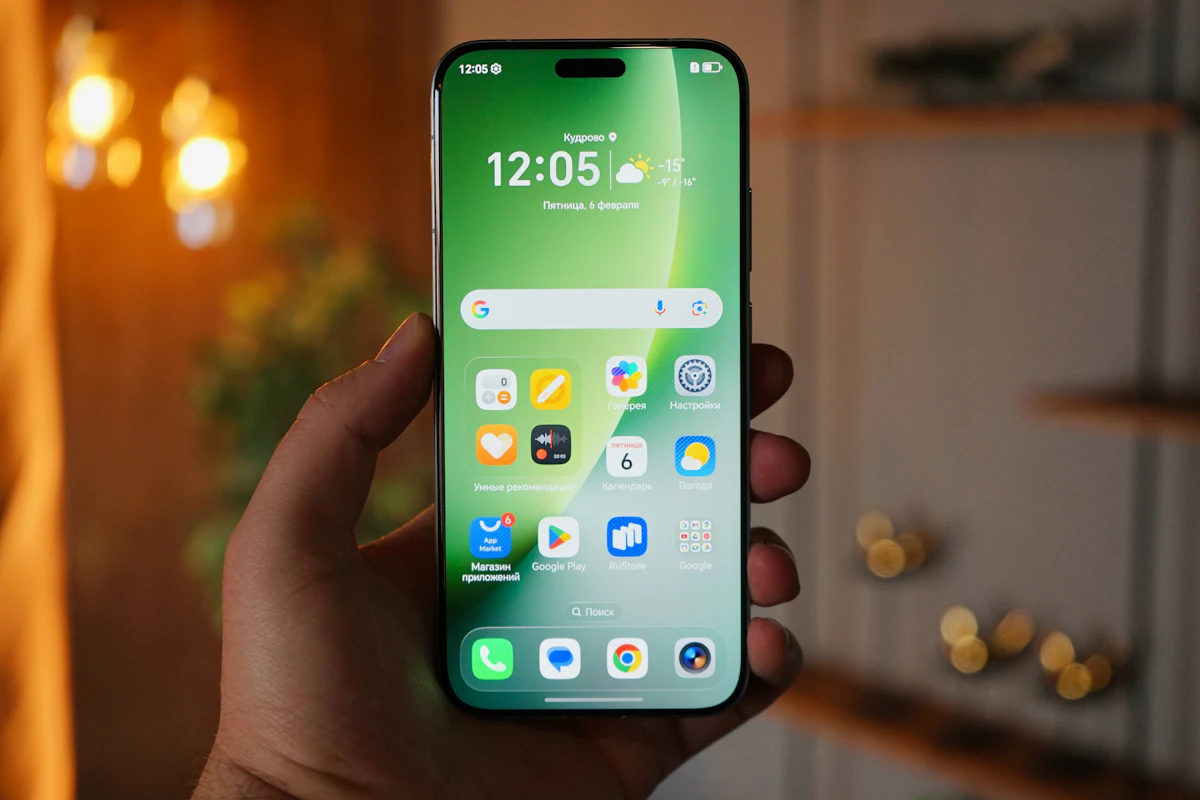
The way around that problem, according to Eden, is for the app to load new functionality from a remote resource in real time. But the moment an app does that, it has essentially rebuilt a web browser inside the app. It’s the same logic behind why many apps open external links in an embedded browser instead of kicking the user out to the system’s browser app.
The other factor the post mentions is the business behind the apps: many companies want a permanent icon on the user’s home screen because it boosts their engagement metrics. A bookmark saved in the browser serves the same technical function for the user, but it doesn’t count the same way for a company’s internal metrics. Eden doesn’t claim this is exclusive to Google: banks, airlines, and content platforms repeat the same pattern, with a complete flow on the web and a trimmed-down version in the native app.
Technical Details and Performance
Behind almost any calendar shared via URL there’s a file in iCalendar (ICS) format, specified in the IETF’s RFC 5545. It’s plain text structured into VEVENT blocks, and any client that understands the format can read it without depending on the original provider.
BEGIN:VCALENDAR
VERSION:2.0
PRODID:-//ProgramacionCanal//ES
BEGIN:VEVENT
UID:[email protected]
DTSTAMP:20260828T140000Z
DTSTART:20260901T180000Z
DTEND:20260901T190000Z
SUMMARY:LATAM Developer Meetup
END:VEVENT
END:VCALENDAR
This block is a minimal valid event. Any public calendar meant for subscription is, at its core, a URL that returns a file with this structure, updated every time the organizer adds or modifies an event.
The web version of Google Calendar accepts both https:// URLs and the webcal:// scheme, designed so the operating system identifies that link as a calendar subscription rather than a file download. Protocols like CalDAV go a step further: they allow two-way sync, not just reading. Google uses similar logic among its own calendars, but doesn’t expose that manual option inside the Android app for third-party sources, only read-only subscription via the web.
| Option | When to use it | Advantage | Limitation |
|---|---|---|---|
| Native app (Google Calendar Android) | Daily use, push notifications | Direct integration with the operating system | No option to add calendars by URL |
| Desktop-mode browser (calendar.google.com) | Subscribing to an external ICS calendar | Access to all the features of the web version | You have to manually enable desktop mode every time |
| PWA (Progressive Web App) | Installing the website as if it were an app | Instant updates, without going through a store | Support is still uneven across mobile browsers |
How to Test It
If you want to confirm that a calendar URL actually serves a valid ICS file before subscribing, you can inspect the Content-Type header from the terminal.
On Linux or macOS:
curl -sI https://ejemplo.org/eventos.ics | grep -i content-typeOn Windows, with PowerShell:
Invoke-WebRequest -Uri 'https://ejemplo.org/eventos.ics' -Method Head | Select-Object -ExpandProperty HeadersIf the response includes text/calendar, the URL is a valid ICS source. The next step, reproducing Eden’s workaround, is this:
- Open your phone’s browser (Chrome, Firefox, or Safari) and go to calendar.google.com.
- Enable the desktop site from the browser’s menu.
- In the left panel, find the Other calendars section and choose the From URL option.
- Paste the URL of the ICS file or the webcal link and confirm.
- Open the native Google Calendar app: the calendar should appear synced within a few minutes.
To confirm it’s active, go into the app’s settings and check the list of visible calendars: the new one should appear there, with its checkbox marked.
Impact and Analysis
The Google Calendar for Android case is small, but it illustrates a broader tension between native apps and the web that has gone more than a decade without being fully resolved. Eden puts it bluntly: if a company insists on having an app, it should at least finish it.
💭 Key point: To load new functionality without going through an app store review, a company ends up building, inside its own app, something that behaves like a browser. That’s the paradox Eden points out.
There’s a business reason behind why many companies prioritize the app over the browser: an icon on the home screen competes better for the user’s attention than an open tab or a bookmark. Eden puts it directly: the app exists, in part, so that someone on the growth team can show leadership a higher engagement metric.
⚠️ Heads up: Enabling desktop mode changes the layout of the entire browser page, not just the calendar-adding flow. On a small screen, navigating the rest of the site can get awkward until you turn it off again.
Both sides of this problem deserve a fair look. Native apps still win on several fronts the browser doesn’t fully match: reliable push notifications even with the app closed, access to the phone’s sensors, and in some cases, better offline performance. Eden himself acknowledges this in his post: there are things only an app can do, though modern browsers, with support for Progressive Web Apps (PWA), keep closing that gap, including a home screen icon and offline functionality via service workers. The lesson for anyone building a product is concrete: if you’re going to maintain an app and its web version in parallel, feature parity isn’t a cosmetic detail, it’s what prevents this kind of public complaint.
What’s Next
As of this article’s publication, there’s no official announcement from Google about adding the URL subscription option inside the Android app. Eden’s post doesn’t mention having filed a formal report in a public issue tracker, so there’s no specific ticket to follow.
What is measurable is the general progress of PWAs as an alternative: more and more mobile browsers support home screen installation, push notifications, and offline storage without going through an app store. If that trend continues, the argument that an app is necessary for this will rest on fewer and fewer real cases.
Try it yourself: open calendar.google.com in desktop mode from your phone right now and add a calendar by URL to see the workaround work within minutes.
Frequently Asked Questions
What does it mean to subscribe to a calendar by URL?
It means pointing your calendar client to a remote file in ICS format so it checks it periodically and displays its events, without manually copying them one by one.
Why does the browser allow adding the calendar while the Android app doesn’t?
Because the web version of Google Calendar exposes a complete flow for adding external calendars that was never replicated inside the native Android app, according to what Eden documented on his blog.
What is an ICS file?
It’s a plain text file with the structure defined in RFC 5545, which describes calendar events (date, time, title, location) in a standardized way that’s readable by any compatible client.
How do I enable desktop mode in my phone’s browser?
In Chrome for Android, tap the three-dot menu and choose Desktop site. In Safari for iOS, tap the aA icon in the address bar and choose Request Desktop Website.
Does this problem also affect iPhone?
Eden’s original post focuses on Android and a Google Pixel; it doesn’t mention whether the Google Calendar app for iOS has the same limitation, so there’s no direct confirmation for that case.
Is there an alternative that does support this natively?
Yes: clients like Thunderbird, Apple Calendar, or Outlook have included a native option to add a calendar from a URL for years, with no need to go through the browser.
References
- «iT woRKs BeTter in THe aPp!!» – Terence Eden’s Blog: original post documenting the case, published on August 28, 2026.
- RFC 5545 (IETF): official specification of the iCalendar (ICS) format used by subscribable calendars.
- MDN Web Docs: Progressive Web Apps: documentation on installation, push notifications, and offline support on the web.
- Google Calendar Help Center: official support for the product mentioned in the article.
📱 Like this content? Follow @programacion on Telegram for daily tech content in Spanish: quick summaries, fresh content every day.
Imagen destacada: Foto de Skyler H en Unsplash
Did it work for you? Got a different error? Say so below: questions get answered and help the next reader.
Leave a comment


0 Comments