⏱️ Lectura: 10 min
A few-dollar ESP32-C3 can now become a live plane radar with the ESP32 Plane Radar project: solder it to a 1.28-inch round display, flash an open source firmware, and see every aircraft flying over your area in real time using ADS-B data.
📑 En este artículo
The project is maintained by a developer known as ironicbadger, who this week expanded their fork with flight context, local weather, and authenticated OTA updates. The repository, released under the MIT license, is available on GitHub.
TL;DR
- ESP32 Plane Radar uses an ESP32-C3 and a 1.28-inch round display to show nearby aircraft by distance and heading.
- The firmware is open source, written in C++, and released under the MIT license on GitHub.
- Assembly takes about 15 minutes with thin silicone wires and some soldering.
- Flashing is done from the browser with the ESPHome web tool, in under 30 seconds.
- The latest fork adds flight origin and destination, more descriptive aircraft types like
B737-800, local weather, time, and date. - Display options (units, runways, weather, time format) can now be changed without reconfiguring WiFi.
- It adds authenticated OTA updates: you no longer need to connect the device via USB to install a new version.
- The original 3D model on MakerWorld has tolerances that are too tight for several batches of ESP32-C3 boards.
What Happened with ESP32 Plane Radar
The developer built the project over a free weekend, after giving a talk at Devrelcon NYC. The parts had arrived while they were traveling, and the model had been featured on MakerWorld a few weeks earlier.
Assembly required soldering, something the author describes as routine for someone coming from building racing drones. They used thin silicone wires for the wiring and completed the physical assembly in about 15 minutes.
For the firmware, they used the ESPHome web flashing tool, which lets you install a binary on a new ESP32 directly from the browser, without setting up a development environment. The whole process took under 30 seconds.
⚠️ Heads up: the original 3D model on MakerWorld (by matixovi) has tolerances that are too tight for the batch of boards the author used. This isn’t a firmware issue, it’s a printing one: if your ESP32-C3 doesn’t fit, try the alternative Waveshare model before sanding down the case.
Context and Background
ADS-B (Automatic Dependent Surveillance-Broadcast) is the protocol commercial aircraft use to transmit position, altitude, and speed unencrypted, on the 1090 MHz frequency. For more than a decade, radio hobbyists and makers have used cheap RTL-SDR receivers to pick up these signals with tools like dump1090 or PiAware, usually displaying the data on a web dashboard on a laptop or Raspberry Pi.
ESP32 Plane Radar takes that same ADS-B tracking idea but shrinks it into a dedicated, watch-sized device with a single function: showing nearby aircraft as blips on a sonar-style radar. The firmware doesn’t include its own radio receiver: it pulls nearby ADS-B traffic from a configurable data source on the network, and plots each aircraft by distance and heading relative to the configured location.
flowchart TD
A["ADS-B data source (local or API)"] --> B["ESP32-C3"]
B --> C["1.28-inch round display"]
B --> D["Web configuration interface"]
subgraph Firmware
B
C
D
end
The difference from a traditional dashboard is simplicity: no browser, no laptop left running, just a low-power round display you can leave on a desk or a shelf.
Technical Details and Performance
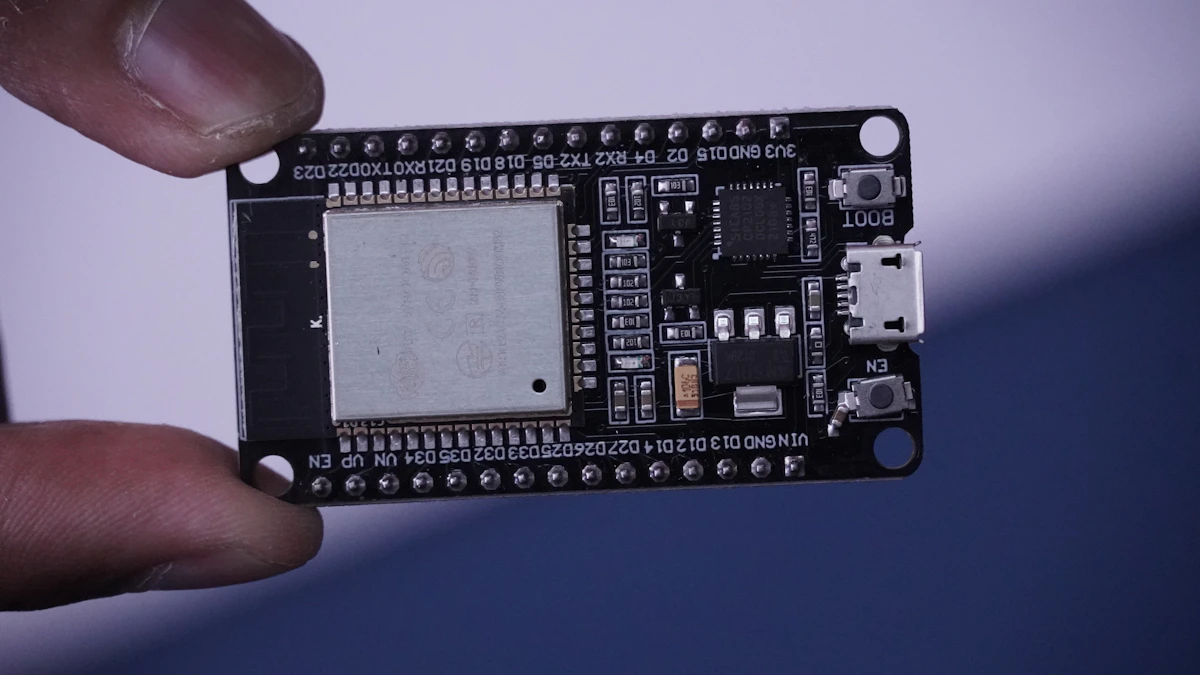
The base hardware for ESP32 Plane Radar is an ESP32-C3 paired with a 1.28-inch round display. There are at least two 3D case designs on MakerWorld, with different tolerances and target hardware:
| 3D Model | When to Use It | Advantage | Limitation |
|---|---|---|---|
| ESP32 Plane Radar (matixovi, May 31, 2026) | If you want the original, more popular design | 5.4K likes, 3.3K downloads, 15.1K saves, 2.4K makes | Tolerances too tight for several batches of ESP32-C3 |
| ESP32-S3 1.28\” Waveshare Plane Radar (ThePrintableWatch, June 10, 2026) | If your board is specifically a Waveshare ESP32-S3 | Fit designed for that specific hardware | Smaller community: 154 likes, 194 downloads, 470 saves, 102 makes |
The latest fork adds several layers of context the original project didn’t have. Where before you could only see each plane’s registration, it now shows flight origin and destination when the data is available, falling back to the callsign when there’s no route. Aircraft types are also more descriptive: instead of a generic code like B737, the display shows variants like B737-800.
Local weather (temperature, humidity, time, and date) was also added to the same screen that previously showed only the radar. The device’s web interface now lets you change coordinates after the initial setup, something that used to require a WiFi reset. You can change units, runways, weather, temperature format, and 12 or 24-hour clock without losing the saved connection. Text size is 10% larger by default, with a persistent slider from 80% to 130% to adjust it.
💭 Key point: the most relevant improvement for long-term maintenance isn’t visual, it’s authenticated OTA support. Before, every new firmware version required connecting the ESP32 via USB; now it installs from the browser, with a username and password.
To confirm authenticated OTA is active, go to the local IP your router assigned to the device: it should ask for a username and password before accepting a new .bin file. If it lets you upload firmware without asking for credentials, the protection isn’t active and you should check the configuration.
Getting Started
The fastest way to try the firmware without compiling anything is the ESPHome web flashing tool, which runs on Chrome or Edge via WebSerial: connect the ESP32 via USB, go to web.esphome.io, and select the binary. If you’d rather build the fork with the improvements (origin/destination, weather, OTA), the PlatformIO workflow is the same across all three operating systems:
# Windows (PowerShell)
pip install platformio
git clone https://github.com/ironicbadger/ESP32-Plane-Radar.git
cd ESP32-Plane-Radar
pio run -t upload

# macOS
brew install platformio
git clone https://github.com/ironicbadger/ESP32-Plane-Radar.git
cd ESP32-Plane-Radar
pio run -t upload

# Linux
python3 -m pip install --user platformio
git clone https://github.com/ironicbadger/ESP32-Plane-Radar.git
cd ESP32-Plane-Radar
pio run -t upload
The pio run -t upload command compiles the firmware and uploads it to the ESP32 connected via USB. After the first flash, the device opens its own WiFi access point so you can configure your network and location from your phone’s browser.
The location (latitude and longitude) is what the firmware uses to calculate the distance and heading of each aircraft. A typical configuration file for this kind of ESP32 project looks like this:
// config.h (common pattern in ESP32 firmwares with fixed coordinates)
#define WIFI_SSID "my_network_2.4ghz"
#define WIFI_PASSWORD "my_password"
#define STATION_LAT 13.6929
#define STATION_LON -89.2182
#define RADAR_RANGE_KM 50
#define UNITS_METRIC true
With STATION_LAT and STATION_LON defined, each received aircraft is positioned on the screen based on its actual distance from the configured point. To confirm the calibration is correct, compare the heading shown on screen against a plane you know is flying in a known direction, for example the approach path of a nearby airport.
Impact and Analysis
ESP32 Plane Radar is a small but telling example of something bigger: how much cheaper it’s become to extend open source firmware with coding assistants. The author himself describes the day’s improvements as built on pure vibes, meaning iterating with an AI agent instead of writing every line by hand. The result isn’t a fragile prototype: the author says everything was compiled, flashed, and tested on the real device before being merged into the main branch.
The other relevant point is the barrier to entry. A dedicated ADS-B station with an antenna, RTL-SDR, and Raspberry Pi tends to take up permanent desk space and requires more parts. An ESP32-C3 with a round display is a fraction of that, and by relying on an external data source instead of its own radio receiver, the device itself is simpler to replicate.
The MIT license matters too: anyone can take the repository, make a fork like ironicbadger’s, and add their own features without asking permission. It’s the same pattern that drives much of open source hardware for makers: a simple base project, and a community that extends it in directions the original author never anticipated.
What’s Next
The author has previewed the next steps: porting the firmware to a larger display and designing a custom 3D-printed case, instead of relying on existing community models. For now, all the fork’s work is already compiled, tested on the real device, and merged into the repository’s main branch.
📖 Summary on Telegram: View summary
Try it yourself: connect an ESP32-C3 via USB, open web.esphome.io in Chrome, and flash the firmware in under 30 seconds to see real planes on your own display today.
Frequently Asked Questions
What hardware do I need to build the ESP32 Plane Radar?
An ESP32-C3 microcontroller, a 1.28-inch round display, thin silicone wires for wiring, and a 3D-printed case. There are two models on MakerWorld, with different tolerances depending on your board.
Do I need to know how to solder to build it?
Yes, the project requires basic soldering between the ESP32-C3 and the display connector. It’s not a tool-free, plug-and-play build.
Does the ESP32 receive ADS-B signals on its own?
The firmware displays nearby ADS-B traffic, but the ESP32-C3 doesn’t have its own 1090 MHz radio receiver: it depends on getting flight data from a configurable external source on the network.
How do I update the firmware without disassembling the device?
The latest fork adds authenticated OTA: a new version is installed from the browser, with a username and password, without reconnecting the ESP32 via USB.
How long does the initial flash take?
Using the ESPHome web tool from a WebSerial-compatible browser, the full flash takes under 30 seconds.
Is the project open source?
Yes, it’s released under the MIT license on GitHub, which lets anyone clone, modify, and redistribute it, including forks like the one that added weather, flight routes, and OTA.
References
- ktz.me blog: original post with build details and the fork’s improvements.
- ESP32-Plane-Radar repository on GitHub: open source firmware in C++ under the MIT license.
- ESPHome Web Flasher: official tool for flashing ESP32 firmware from the browser.
- ADS-B on Wikipedia: explanation of the protocol aircraft use to transmit their position.
📱 Enjoying this content? Follow @programacion on Telegram for daily tech content in Spanish: quick summaries, fresh content every day.




0 Comments