⏱️ Reading time: 9 min
Since October 17, 2026, Apple has known that the compromised eMudhra certificates remain active in macOS tools. Eleven days later, git, curl, and python3 still trust them: anyone intercepting the connection can deliver fake code in a git clone or steal a GitHub token in transit.
📑 En este artículo
- TL;DR
- What is eMudhra
- What happened with the compromised eMudhra certificates
- Context and history
- Technical details
- Impact and analysis
- What’s next
- Frequently Asked Questions
- Which macOS tools are affected by the compromised eMudhra certificates?
- Does Safari also trust the compromised eMudhra intermediates?
- How do I know if my copy of git on macOS is still vulnerable to eMudhra?
- Did macOS 27.2 fix the eMudhra problem?
- What can a developer do while Apple hasn’t released a patch for eMudhra?
- References
Worse still: macOS 27.2, released on October 26, did not fix the problem and also undid the manual workaround that many developers had applied on their own, leaving them exposed again without warning.
TL;DR
- Apple still hasn’t fixed the compromised eMudhra certificates in macOS’s git, curl, and python3 (October 28, 2026).
- eMudhra notified Apple on October 17, 2026; macOS 27.2, released on October 26, did not apply the patch.
- The October 26 update reverted the manual workaround developers had installed.
- Safari and apps that use Apple’s networking framework are already protected; CLI tools are not.
- A
git ls-remotecommand against a test domain reveals whether your copy of git on macOS is still vulnerable.
What is eMudhra
eMudhra is a certificate authority based in India that issues X.509 digital certificates to secure HTTPS connections on the internet, as part of the chain of trust that validates a website’s identity. In October 2026, several eMudhra intermediate certificates were compromised, exposing clients that still validate them.
Its roots and intermediate certificates are preinstalled in the trust stores of operating systems and browsers around the world, including macOS. That’s why the problem isn’t limited to India: any HTTPS connection that relies on those roots remains at risk as long as they stay marked as valid. In the TLS trust ecosystem, when a CA fails, the attack surface isn’t limited to its direct clients, but extends to any system that still lists it as trusted.
What happened with the compromised eMudhra certificates
The site we-have-a-problem.com, maintained by researcher Dennis Jackson, documented that Apple was notified on October 17, 2026, about the compromise of several eMudhra intermediate certificates. As of October 28, eleven days later, the development tools Apple ships with macOS (git, curl, and python3) still trust those certificates.
On October 26, Apple released macOS 27.2. Instead of removing the compromised roots, the update undid the manual workaround some developers had applied on their own: those who had edited their certificate store to protect themselves were exposed again without any warning, and had to repeat the process from scratch.
Meanwhile, dozens of open source projects, many maintained by volunteers with no security budget, published their own patches days before Apple lifted a finger. The asymmetry is uncomfortable for a company the size of Apple: small communities reacted faster than the operating system’s manufacturer.
Context and history
Certificate authorities occupy an uncomfortable spot in the internet’s trust architecture: if a single CA issues an improper certificate, any client that trusts it becomes exposed to an attacker capable of impersonating any site. The industry has already lived through similar episodes, like the Symantec trust revocation in 2018 or the DigiNotar collapse in 2011, and in both cases the coordinated response from browsers and operating systems took weeks, not months.
What’s particular about the eMudhra case is the gap between who fixes things fast and who doesn’t. Apple has already protected Safari and the apps that use its native networking framework (Network.framework and the Security framework), which handle certificate validation centrally. The problem stays confined to tools that don’t go through that path: the ones that come from the Unix world and bring their own TLS stack based on OpenSSL or LibreSSL.
Apple split certificate validation between Safari and the rest of the operating system years ago in the name of compatibility: many of the command-line tools macOS ships with come from open source projects packaged as-is, with their own cryptographic stack. That architectural decision, convenient for years, is the same one that today leaves an open gap between what Apple has already fixed and what it still hasn’t touched.
Technical details
git, curl, and python3 on macOS don’t verify certificates against Apple’s Security framework trust store. Instead, they use a copy of OpenSSL or LibreSSL that reads roots from the /etc/ssl/cert.pem file. If a compromised root remains in that file, any tool that relies on it will validate a fraudulent certificate as legitimate, regardless of whether Safari, on the same machine, already rejects it.
To check whether your copy of git is affected, Jackson’s own site offers a test server:
git ls-remote https://git-emudhra.we-have-a-problem.com/check.gitA certificate error means your git is protected. If the command returns a commit instead of an error, your copy of git trusts the compromised eMudhra certificates, and any HTTPS connection to GitHub or another remote can be intercepted and altered in transit.
The same site documents a more explicit proof of concept: it temporarily redirects github.com to a test server using git’s http.curloptResolve option, and that server presents a github.com certificate signed by one of the compromised intermediates. If the clone completes instead of failing, the resulting README.md starts with the word INTERCEPTED. A real attacker doesn’t even need that option: it’s enough to be on the network path between the developer and GitHub, something trivial on a shared wifi network, a misconfigured corporate VPN, or a compromised transit provider.
The advisory itself warns that, when reproducing the proof of concept, you must keep the fake-user@ prefix in the clone URL: without it, git would send the developer’s real GitHub credentials to the test server, exactly the same mechanism a real attacker would use to steal them in production.
python3 inherits the same problem because Apple’s distribution of the ssl and urllib modules also reads the /etc/ssl/cert.pem store instead of querying the Security framework. Any script that downloads a package over HTTPS, from a pip install to an internal webhook, inherits the same exposure as git and curl.
flowchart TD
A["git, curl, or python3 on macOS"] --> B["HTTPS connection to github.com"]
B --> C{"eMudhra root compromised in /etc/ssl/cert.pem?"}
C -->|"Yes, trusted"| D["Attacker on the network path"]
D --> E["Presents fake github.com certificate"]
E --> F["Altered clone or intercepted credentials"]
C -->|"No, removed"| G["Certificate error, connection blocked"]
⚠️ Heads up: if your CI pipeline uses macOS runners to clone dependencies or publish packages, every build runs with the same vulnerable copy of git until you manually remove the compromised roots.
Impact and analysis
The risk isn’t theoretical or exclusive to curious developers. Any continuous integration pipeline that uses macOS runners to clone a private repository, download a dependency over HTTPS, or publish a package is exposed to the same vector: an attacker with network position can alter the code entering a build or intercept credentials like GitHub tokens, without anyone on the team noticing.
While the compromised eMudhra certificates remain active on macOS, other projects already solved the problem outside of Apple: dozens of maintainers, many of them volunteers with no security team behind them, published their own patches days before the 27.2 update arrived. That flips the usual hierarchy, where a manufacturer the size of Apple is expected to react before a community project does.
For security teams, the case is also a signal that blindly trusting the operating system’s patch cycle isn’t enough: you need to verify manually, repeat the verification after every update, and document the procedure as part of the incident runbook, not as a one-time patch.
What’s next
Apple has already solved the path for part of the problem: Safari and apps built on its native networking framework don’t trust the compromised intermediates. What’s missing is extending that decision to the command-line tools it ships with macOS, something as simple in concept as removing the affected roots from /etc/ssl/cert.pem in the next update.
Until that happens, the mitigation guide on we-have-a-problem.com describes how to manually remove the roots from macOS’s certificate store. Apple’s own advisory on the matter warns that a system update can revert that change, so the procedure isn’t “apply once”: you need to repeat the verification and, if needed, the manual cleanup after every macOS update until Apple ships a real patch.
Security teams that rely on macOS runners in their CI/CD infrastructure should also assess the supply chain risk of continuing to use those machines to clone or build code while the problem remains unresolved at the root.
Try it yourself: run git ls-remote https://git-emudhra.we-have-a-problem.com/check.git on your Mac today and confirm whether your copy of git still trusts the compromised certificates.
Frequently Asked Questions
Which macOS tools are affected by the compromised eMudhra certificates?
Mainly git, curl, and python3, because they use their own TLS stack based on OpenSSL or LibreSSL instead of Apple’s native networking framework.
Does Safari also trust the compromised eMudhra intermediates?
No. Apple has already protected Safari and the apps that use its native networking framework; the problem is limited to developer tools that don’t go through that path.
How do I know if my copy of git on macOS is still vulnerable to eMudhra?
By running git ls-remote https://git-emudhra.we-have-a-problem.com/check.git: a certificate error means you’re protected; if it returns a commit, your git still trusts the compromised roots.
Did macOS 27.2 fix the eMudhra problem?
No. The October 26, 2026 update didn’t remove the compromised roots and also reverted the manual workaround some developers had applied.
What can a developer do while Apple hasn’t released a patch for eMudhra?
Manually remove the compromised roots from macOS’s certificate store and repeat the verification after every system update, since a new version can revert the change.
References
- we-have-a-problem.com: Dennis Jackson’s original report on Apple’s status regarding the eMudhra compromise.
- Wikipedia: general explanation of the role of certificate authorities in the TLS chain of trust.
- curl.se: official documentation on how curl validates TLS certificates and where it gets its root store from.
- github.com/git/git: GitHub repository that serves as a publish-only mirror of the git project, one of the affected tools.
📱 Like this content? Follow @programacion on Telegram for daily tech content in Spanish: quick summaries, fresh content every day.
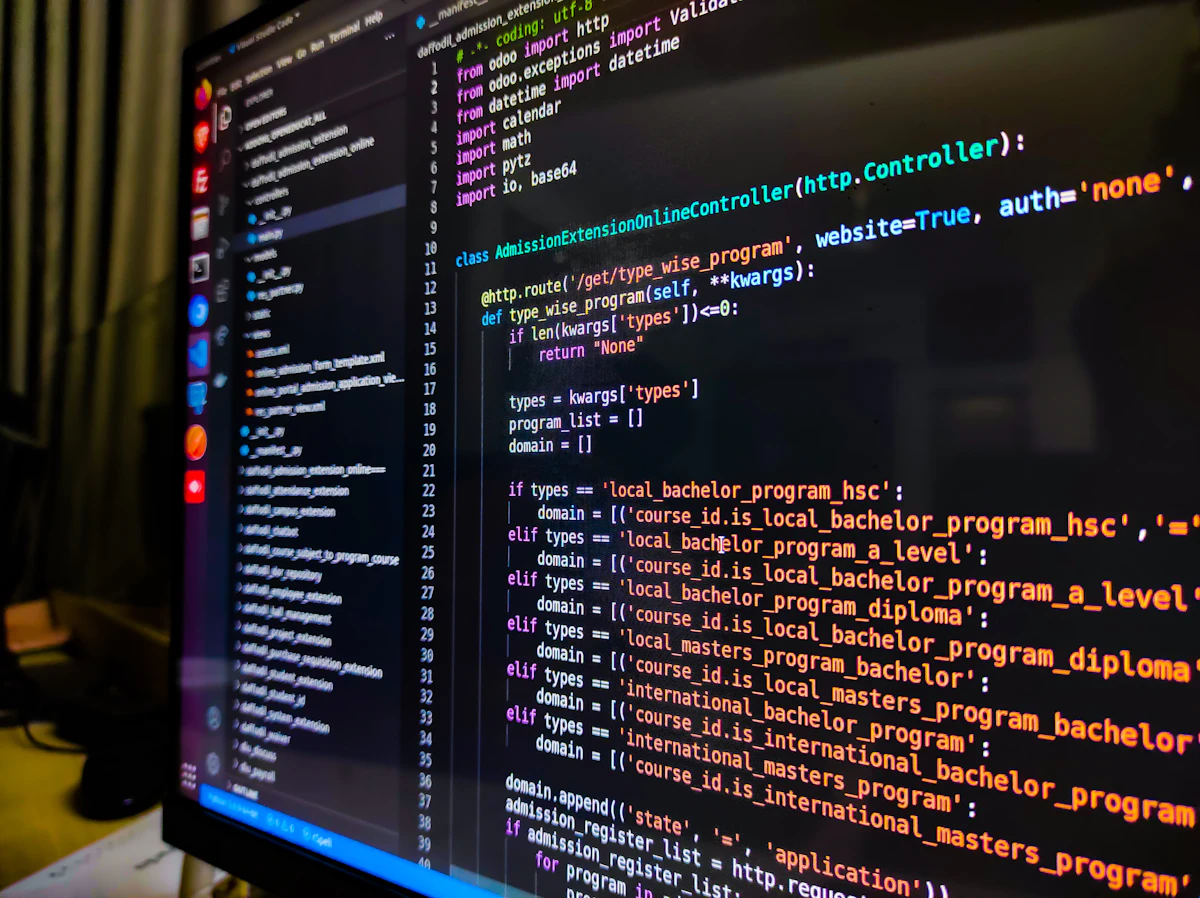
Featured image: Foto de Zoshua Colah en Unsplash
Did it work for you? Got a different error? Say so below: questions get answered and help the next reader.
Leave a comment


0 Comments