⏱️ Reading time: 9 min
An AMD GPU released more than a decade ago is gaining real performance on Linux again, and the credit doesn’t go to AMD. Timur Kristóf, an engineer on Valve’s graphics team, presented on October 3, 2026 at XDC 2026 in Toronto the work he’s spent months polishing to modernize AMDGPU for GCN cards, the first and second generation Radeon cards.
📑 En este artículo
The result is easy to understand: hardware that had been stuck for years on a driver with no active maintenance now runs on the same kernel base used by AMD’s modern GPUs.
TL;DR
- Timur Kristóf, from Valve, migrated AMD GCN 1.0/1.1 GPUs (2012-2013) from the legacy Radeon driver to AMDGPU.
- The switch to AMDGPU enables the RADV Vulkan driver on hardware more than a decade old.
- Linux 6.19 already showed a performance improvement of nearly 30% on old Radeon GPUs after moving to AMDGPU.
- Kristóf fixed display bugs and power management issues, and added soft reset support.
- AMD hasn’t invested in these cards for years, so the work is being carried almost single-handedly by a Valve employee.
What is AMDGPU for GCN cards
AMDGPU for GCN cards is the branch of Linux’s open kernel driver that extends official support to AMD’s earliest GPU generations, previously handled by the legacy Radeon driver. This driver enables access to the RADV Vulkan driver and centralizes power and display management.
What happened at XDC 2026
In his talk at the 2026 X.Org Developers Conference, Kristóf reviewed a year of work on the AMDGPU kernel driver, the same one that until now had been associated almost exclusively with AMD’s most recent GPUs. Before this project he spent years working in user space, on the Mesa graphics driver, so diving into the kernel was, in his own words during the talk, almost a personal experiment.
Kristóf isn’t new to the ecosystem. He was already among the most active contributors to RADV and to Mesa in general, focused on performance and bug fixes for AMD GPUs. The jump into AMDGPU development started almost as a personal experiment to better understand how the kernel and user space coordinate, and it ended up turning into months of sustained work.
That experiment ended up fixing real defects in AMDGPU’s display code for GCN 1.0 and 1.1 cards, repairing long-standing power management issues, and adding soft reset support, a feature that lets the GPU recover from a graphics error without rebooting the whole machine. Valve also published the PDF slides and the full recording of the presentation.
The path from Mesa to the AMDGPU kernel
GPUs with GCN (Graphics Core Next) architecture arrived in 2012 with the first generation and expanded in 2013 with GCN 1.1, in cards like the Radeon HD 7000 and the R9 series. For years Linux supported them with two parallel drivers: the old Radeon, built for OpenGL, and AMDGPU, built later to cover newer cards with Vulkan support. GCN 1.0 and 1.1 were caught in the middle, too old for AMD to prioritize, but with a large enough installed base for someone to want to rescue them.
That someone was Valve. The company behind Steam and SteamOS maintains one of the few paid teams working on the Linux graphics stack, with a direct focus on Mesa (the project that includes RADV, radeonsi, and other user-space drivers) and, for the past year, on AMDGPU too. The same Phoronix article that reported on Kristóf’s talk notes that, with Linux 6.19, the migration of GCN 1.0/1.1 from Radeon to AMDGPU had already shown a performance improvement of nearly 30% on these cards, even before the fixes Kristóf presented this year.

The mechanism Kristóf fixed in the kernel
The legacy Radeon driver never had access to RADV, because RADV (Mesa’s Vulkan driver) only talks to AMDGPU, and an equivalent layer for the old driver was never written. As long as a GCN 1.0/1.1 card ran on Radeon, it was limited to OpenGL via radeonsi, missing out on most modern games that require Vulkan, including those running through Proton on Steam.
Migrating a card from Radeon to AMDGPU wasn’t just a matter of changing a name in the kernel. Kristóf had to review the modesetting code (the subsystem that handles video output) for these specific GPUs, where he found defects nobody had touched in years. He also fixed power management paths that left some GCN 1.0/1.1 cards running permanently at maximum clock or, conversely, failing to boost when needed.
None of this is easy to debug. Modesetting code for decade-old hardware doesn’t have the same amount of documentation or automated tests as code for current GPUs, so much of the work involved reading the hardware’s actual behavior and comparing registers, rather than following an already-written roadmap.
The newest piece is soft reset support. Previously, a graphics driver error on these cards could freeze the entire session and force a full system reboot. With soft reset, the kernel can restart only the GPU block that failed, without touching the rest of the system, something AMDGPU already offered for newer cards but that GCN 1.0/1.1 lacked.
flowchart TD
A["Vulkan or OpenGL application"] --> B{"Which kernel driver the GPU uses"}
B -->|"Old GCN, before Kristóf's work"| C["Legacy Radeon driver"]
B -->|"Old GCN, with Kristóf's work"| D["AMDGPU driver"]
C --> E["OpenGL only via radeonsi, no RADV"]
D --> F[("RADV available, full Vulkan")]| Aspect | Radeon driver (legacy) | AMDGPU driver |
|---|---|---|
| Vulkan | Not available, OpenGL only via radeonsi | RADV available |
| Power management | Reported bugs on GCN 1.0/1.1 | Fixed by Kristóf in 2026 |
| Display code (modesetting) | Defects with no active maintenance | Defects fixed by Kristóf |
| Failure recovery | No soft reset, requires full reboot | Soft reset added by Kristóf |
For anyone with one of these cards who wants to confirm whether it’s already running on AMDGPU instead of Radeon, the check is straightforward from a terminal: lsmod | grep amdgpu shows the loaded module if the kernel chose AMDGPU, and dmesg | grep -i amdgpu lists the driver’s boot messages, including card detection. If radeon shows up in that output instead, the GPU is still on the legacy driver and a more recent kernel is probably needed to force the switch.
Why this matters to more than a handful of nostalgics
The AMDGPU work for GCN cards isn’t an exercise in nostalgia. There are millions of laptops, mini PCs, and office machines with GCN 1.0/1.1 APUs or GPUs still in use, and each one gains Vulkan, better power management, and more stability without changing a single piece of hardware. For Linux distributions that prioritize extending the lifespan of old hardware, this is a direct product improvement.
There’s also an uncomfortable read for AMD. The company hasn’t dedicated its own resources to this work in years, as Phoronix’s own report on the talk pointed out. The real maintenance of this portion of AMD’s graphics driver on Linux has fallen, in practice, to a single engineer paid by Valve, a company that doesn’t manufacture GPUs but depends on millions of PCs with old hardware being able to keep gaming through Proton and SteamOS.
What’s next for the driver
Kristóf said in the talk that the work continues: there are still power and display management paths not fully covered, and Valve’s goal is for GCN 1.0/1.1 to feel as stable on AMDGPU as later generations. There’s no public date yet for when this work will be considered finished, but there is a clear channel to follow it: patches land first in the upstream Linux kernel before reaching any distribution.
The Mesa and Linux kernel community usually absorbs this kind of patch without much noise, but the cumulative effect is real: every six to eight week upstream kernel cycle can bring one more fix for these cards, without needing any big announcement.
For anyone managing fleets of old machines, the practical advice is simple: update to the latest stable kernel as soon as it’s available in the distribution, because every new version keeps pushing more of these fixes without the user having to do anything manually.
Try it yourself: run dmesg | grep -i amdgpu on a machine with an AMD GPU from before 2016 to confirm whether your kernel has already migrated the card to the AMDGPU driver.
Frequently Asked Questions
What is AMDGPU for GCN cards?
It’s the extension of Linux’s AMDGPU kernel driver to cover AMD GPUs with GCN 1.0 and 1.1 architecture, released in 2012 and 2013, which previously only had full support in the legacy Radeon driver.
Which AMD cards benefit from this change?
GPUs and APUs with first and second generation GCN architecture, such as the Radeon HD 7000 family and the R9 series based on the same design, according to Phoronix’s report on Kristóf’s talk.
Do I need to install anything, or is updating the kernel enough?
It’s enough to run a recent Linux kernel that includes Kristóf’s patches: there’s no need to install a separate package, because AMDGPU is part of the kernel itself.
Is the legacy Radeon driver going away?
Not immediately. The kernel still includes both drivers and, depending on the detected hardware, automatically chooses which one to load, although the long-term trend is for AMDGPU to cover more and more old generations.
Where can I watch Kristóf’s talk at XDC 2026?
Phoronix published the recording and the PDF slides along with its coverage of the event, held in Toronto.
Why is Valve doing this work instead of AMD directly?
Because AMD, according to Phoronix’s own report, hasn’t assigned its own resources to maintaining the driver for these cards in years, and Valve has a direct interest in keeping them working well for Steam and Proton.
References
- Phoronix: original coverage of Timur Kristóf’s talk at XDC 2026.
- Wikipedia: history and generations of AMD’s GCN architecture.
- kernel.org: official documentation for the AMDGPU driver in the Linux kernel.
- Mesa3D: project that maintains RADV, the Vulkan driver that depends on AMDGPU.
- X.Org Foundation: organizer of the XDC conference where the work was presented.
📱 Enjoy this content? Follow @programacion on Telegram for daily tech content in Spanish: quick summaries, fresh content every day.
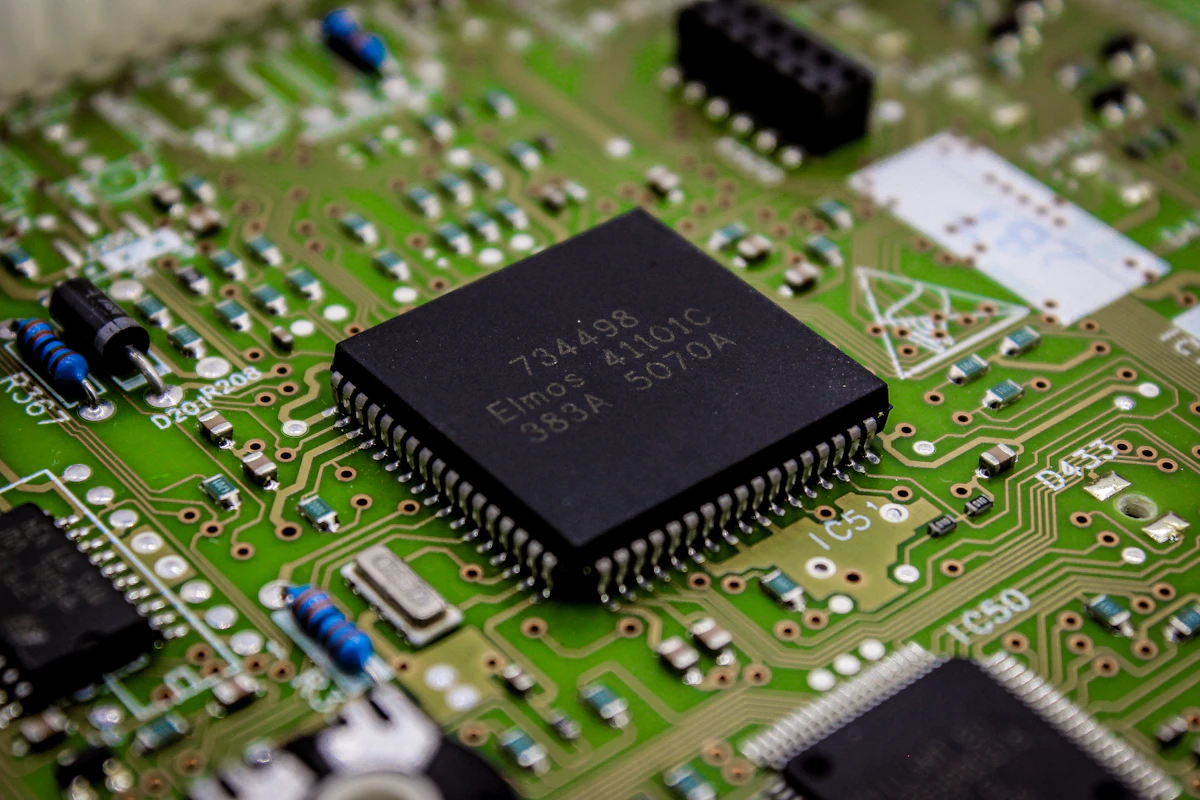
Featured image: Foto de BoliviaInteligente en Unsplash
Did it work for you? Got a different error? Say so below: questions get answered and help the next reader.
Leave a comment


0 Comments