⏱️ Reading time: 10 min
Apple just doubled the memory limit of its most powerful Mac: the new Mac Studio with the M5 Ultra chip goes up to 512GB of unified memory, the highest figure ever offered in one of the company’s desktop computers. The update, announced on August 25, 2026, targets an audience that until recently relied on the cloud to run large artificial intelligence models: researchers, developers, and creative studios who can now load complete language models onto their own desktop.
📑 En este artículo
The announcement comes with two new chips, M5 Max and M5 Ultra, and connectivity upgrades that Apple had never brought to this line before: Wi-Fi 7 and Bluetooth 6.
TL;DR
- Apple introduced the Mac Studio with M5 Max and M5 Ultra chips on August 25, 2026.
- The M5 Ultra reaches 36 CPU cores, up to 80 GPU cores, and up to 512GB of unified memory.
- The M5 Max offers 18 CPU cores, up to 40 GPU cores, and up to 128GB of unified memory.
- The M5 Ultra’s memory bandwidth rises to 1.2TB/s, 50% more than the previous generation.
- Apple reports up to 4.3x more AI performance on the M5 Ultra compared to the M3 Ultra, and 9.8x compared to the M1 Ultra.
- It’s the first Mac Studio with Wi-Fi 7 and Bluetooth 6, and it adds Thunderbolt 5.
- Four Mac Studio units connected via Thunderbolt 5 and RDMA achieve up to 3x more AI inference performance than a single unit.
- Pre-orders start August 25, 2026; general availability begins September 22, 2026.
Introduction
Since 2022, the Mac Studio has been Apple’s bet for the compact professional desktop: same discreet size, but with the largest chip the company is capable of manufacturing. The 2026 version doesn’t change the exterior design, but it radically changes what that design can do with local artificial intelligence.
In the official press release, Johny Srouji, Apple’s hardware chief, summarized the goal of the launch: “Mac Studio ushers in a new era of desktop computing, delivering huge performance gains for pro workloads and AI inference with frontier-class models,” according to Apple’s press release.
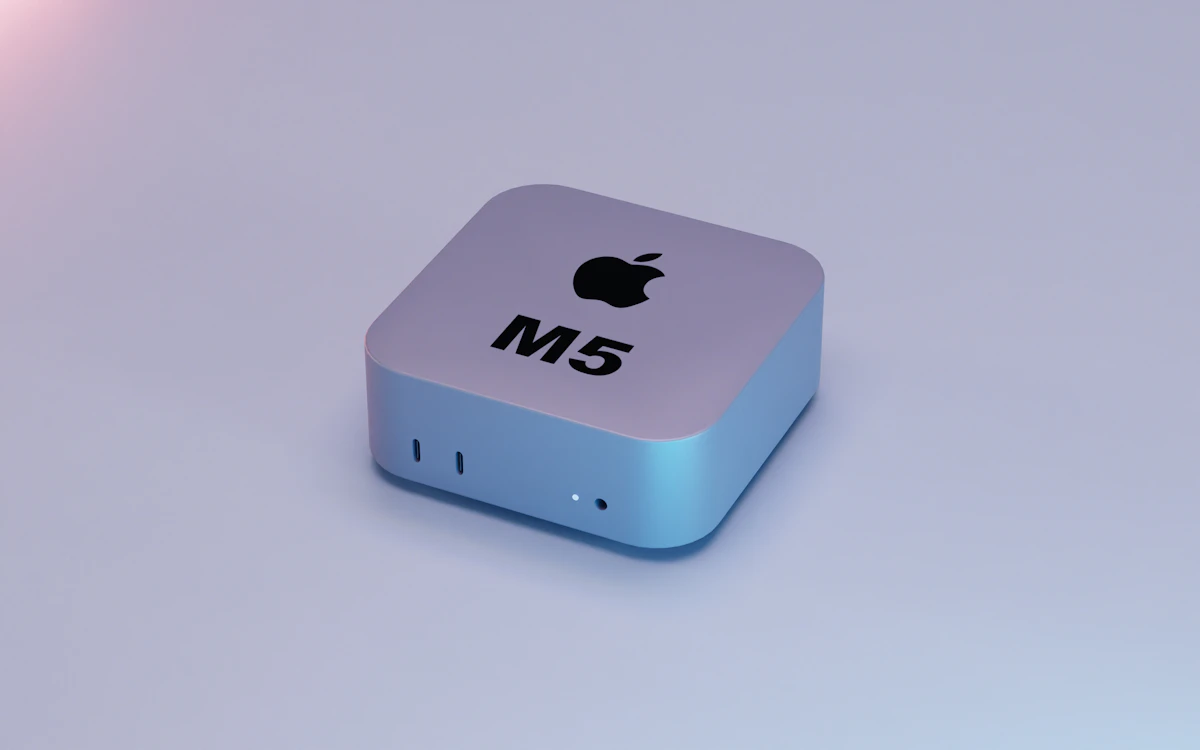
What Happened with the Mac Studio M5 Ultra
On August 25, 2026, Apple announced the Mac Studio with two new chip configurations. The first, M5 Max, brings 18 CPU cores, up to 40 GPU cores with Neural Accelerators built into each core, and up to 128GB of unified memory, according to Apple’s press release. The second, M5 Ultra, scales up to 36 CPU cores, up to 80 GPU cores, and up to 512GB of unified memory: double the maximum offered by the M3 Ultra generation.
Apple also quantifies the overall improvements of the machine compared to the previous generation: up to 4.3x more AI performance, up to 2x faster storage, up to 1.8x more graphics performance, and up to 1.3x faster CPU speed. The Mac Studio is now available for pre-order and arrives in stores on September 22, 2026.
Context and History
Since Apple debuted the Mac Studio in 2022 with the M1 Ultra chip, the line has become the company’s reference for heavy workloads without moving up to a Mac Pro with an external GPU. Apple now compares the M5 Ultra directly against the M1 Ultra (9.8x more AI compute) and against the M3 Ultra (4.3x more), skipping an explicit comparison with the M2 Ultra: Apple didn’t release an Ultra variant in the M4 generation, so that generation’s Mac Studio was left with only the Max option.
That pattern of one generation with an Ultra chip and another without reflects how costly these chips are for Apple to manufacture: the M5 Ultra is born from physically joining two M5 Max chips with UltraFusion interconnect technology, something that only makes economic sense when the manufacturing process’s performance leap is big enough to justify it.
Technical Details and Performance
| Specification | M5 Max | M5 Ultra |
|---|---|---|
| CPU Cores | 18 | 36 |
| GPU Cores | up to 40 | up to 80 |
| Maximum Unified Memory | 128GB | 512GB |
| Memory Bandwidth | not specified by Apple | up to 1.2TB/s (+50%) |
| Best For | Development, video editing, mid-sized models | Frontier LLMs, clustering, AI research |
Connectivity also takes a leap: it’s the first Mac Studio with Wi-Fi 7 and Bluetooth 6, and it adds Thunderbolt 5 for ultra-fast external storage, PCIe expansion chassis, and high-performance hubs. But the development that matters most to anyone training or running AI models is clustering: Thunderbolt 5 combined with RDMA (remote direct memory access) allows several Mac Studio units to be joined into a single shared memory pool.
flowchart TD
A["Mac Studio 1"] --> B["Shared memory pool (Thunderbolt 5 + RDMA)"]
C["Mac Studio 2"] --> B
D["Mac Studio 3"] --> B
E["Mac Studio 4"] --> B
B --> F["Large-scale AI model"]
According to Apple, a cluster of four Mac Studio units achieves up to 3x more AI inference performance than a single unit, enough to load open-weight models that today don’t fit in the memory of a single desktop machine.
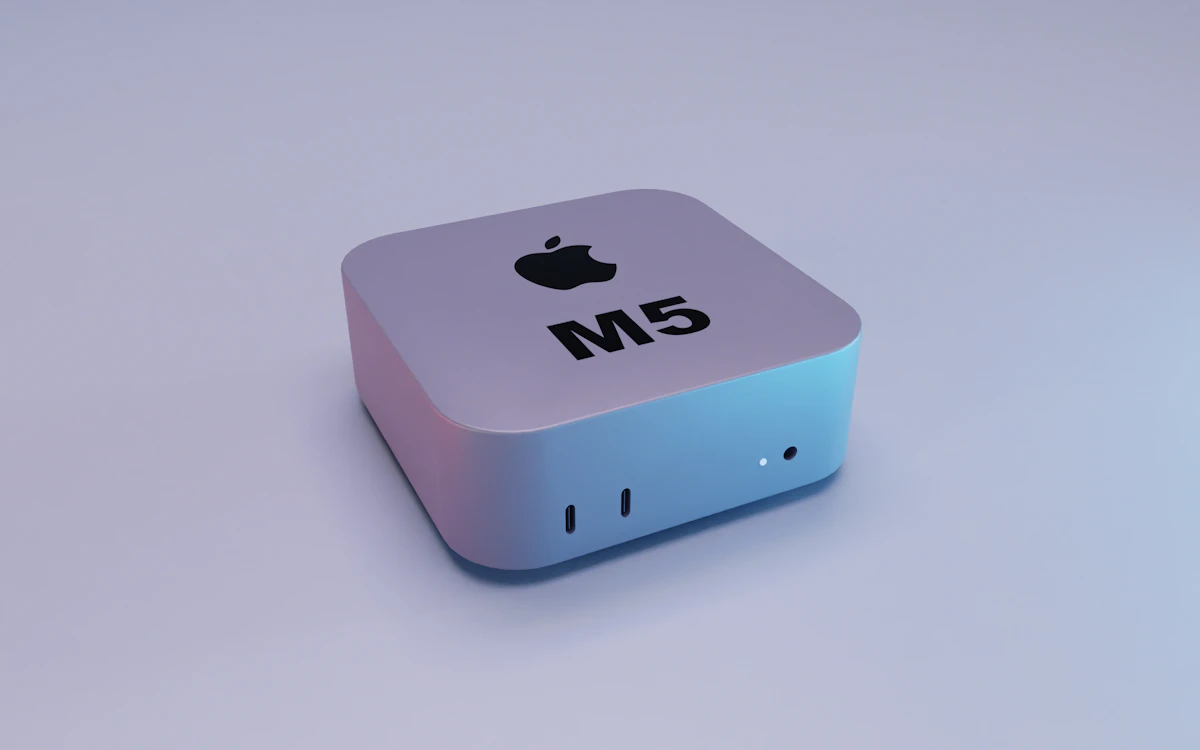
How to Try It: MLX and Core AI on Apple Silicon
Apple supports local AI development with two frameworks. Core AI is the new framework for building, running, and deploying models on Apple silicon, designed to take advantage of unified memory, CPU, GPU, and Neural Engine from a single architecture. MLX, Apple’s open source machine learning framework, allows training, fine-tuning, and running models with native efficiency on Apple silicon.
To try MLX on any Mac with Apple silicon (you don’t need a new Mac Studio to get started), the minimal workflow is this:
# Install MLX and the MLX-LM utilities
pip install mlx mlx-lm

# Download and run an open-weight model in a single command
mlx_lm.generate --model mlx-community/Llama-3.2-3B-Instruct-4bit \
  --prompt "Explain what unified memory is in one sentence"
The command downloads the 4-bit quantized model and generates text using the integrated GPU; if the model doesn’t fit in the available unified memory, MLX fails to load it instead of silently degrading performance.
To confirm how much unified memory and how many GPU cores the operating system actually sees, macOS exposes that data via the command line:
# Check the chip, cores, and memory reported by the system
system_profiler SPHardwareDataType SPDisplaysDataType | grep -E "Chip|Cores|Memory"
If the result shows less memory or fewer GPU cores than expected for your configuration, the problem is usually in the order or a pending firmware update, not in the software running the model.
💡 Tip: before buying the configuration with the most memory, run mlx_lm.generate with a 4-bit quantized model: the model’s disk size is a good approximation of the unified memory you’ll need to load it completely.
Impact and Analysis
For Spanish-speaking developers, the math changes concretely. Running a large model in the cloud means paying per token and depending on network latency; loading it onto a Mac Studio with 512GB means a high but fixed upfront cost, with no meter running for every query. Apple frames it this way in its press release: users can “run massive models entirely on device with complete privacy, without counting tokens or worrying about rising cloud costs.”
The other side is the entry price. Apple didn’t publish prices in the press release cited in this article, and previous Mac Studio configurations with maximum memory exceeded several thousand dollars: the argument for skipping the cloud is only appealing if usage volume justifies the upfront cost compared to paying per API call. For a small team running models occasionally, the cloud remains cheaper; for a team running inference all day, the math flips.
The other major change is in software: Core AI arrives as a new layer that Apple wants developers to build on, alongside MLX, which already circulates as an open project. Having two frameworks compete for the same layer (one proprietary, one open) is a situation already seen in other AI ecosystems, and it’s still unclear what specific role each will play in the medium term.
⚠️ Heads up: clustering with Thunderbolt 5 and RDMA distributes memory across units, but it doesn’t multiply compute speed linearly: the gain Apple reports is up to 3x with four Mac Studio units, not 4x.
What’s Next
The Mac Studio with M5 Max and M5 Ultra is already open for pre-order as of August 25, 2026, and arrives in stores on September 22, 2026. It ships alongside macOS 27 and the next generation of Apple Intelligence, which includes a revamped version of Siri with AI. Apple also announced performance improvements in Xcode and coding agents that run on-device, aiming to keep the entire development cycle (writing, compiling, running the model) on the same machine.
📌 Note: Apple didn’t detail prices for each configuration in the cited press release: confirm them in the official store before pre-ordering.
Try it today: install MLX with pip install mlx mlx-lm on any Mac with Apple silicon and run a quantized model before deciding whether you need the M5 Ultra’s 512GB.
Frequently Asked Questions
What’s the difference between the M5 Max and the M5 Ultra?
The M5 Max has 18 CPU cores, up to 40 GPU cores, and up to 128GB of unified memory. The M5 Ultra doubles those figures: 36 CPU cores, up to 80 GPU cores, and up to 512GB of unified memory, because it physically joins two M5 Max chips with UltraFusion interconnect.
Do I need a new Mac Studio to use MLX?
No. MLX runs on any Mac with Apple silicon from the M1 onward. The Mac Studio with M5 Ultra adds value when the model you want to load completely doesn’t fit in your current Mac’s unified memory.
What is Core AI?
It’s Apple’s new framework for building, running, and deploying AI models on Apple silicon, designed to take advantage of unified memory, CPU, GPU, and Neural Engine from a common architecture, as Apple describes in its press release.
How does clustering between multiple Mac Studio units work?
They connect via Thunderbolt 5 with RDMA (remote direct memory access) support, which creates a shared memory pool across the units. Apple reports up to 3x more AI inference performance with a cluster of four Mac Studio units compared to a single unit.
When can you buy the Mac Studio M5 Ultra?
Pre-orders opened on August 25, 2026, and general availability begins on September 22, 2026, according to Apple’s official press release.
Does the Mac Studio replace a cloud server for running large models?
It depends on usage volume. For constant inference and sensitive data, running it locally avoids the per-token cost and keeps data on the device. For occasional use, the cloud remains more economical compared to the upfront cost of a maximum-memory configuration.
References
- Apple’s official press release: full announcement of the Mac Studio with M5 Max and M5 Ultra, specifications, and quotes from Johny Srouji.
- MLX repository on GitHub: Apple’s open source machine learning framework for Apple silicon.
- Apple Developer: official developer documentation on Apple silicon and AI frameworks.
- Apple silicon on Wikipedia: historical context on Apple’s family of M chips.
📱 Do you like this content? Follow @programacion on Telegram for daily tech content in Spanish: quick summaries, fresh content every day.
Imagen destacada: Foto de Julian Hochgesang en Unsplash
Did it work for you? Got a different error? Say so below: questions get answered and help the next reader.
Leave a comment



0 Comments